
All videos are showing a black screen and an error message
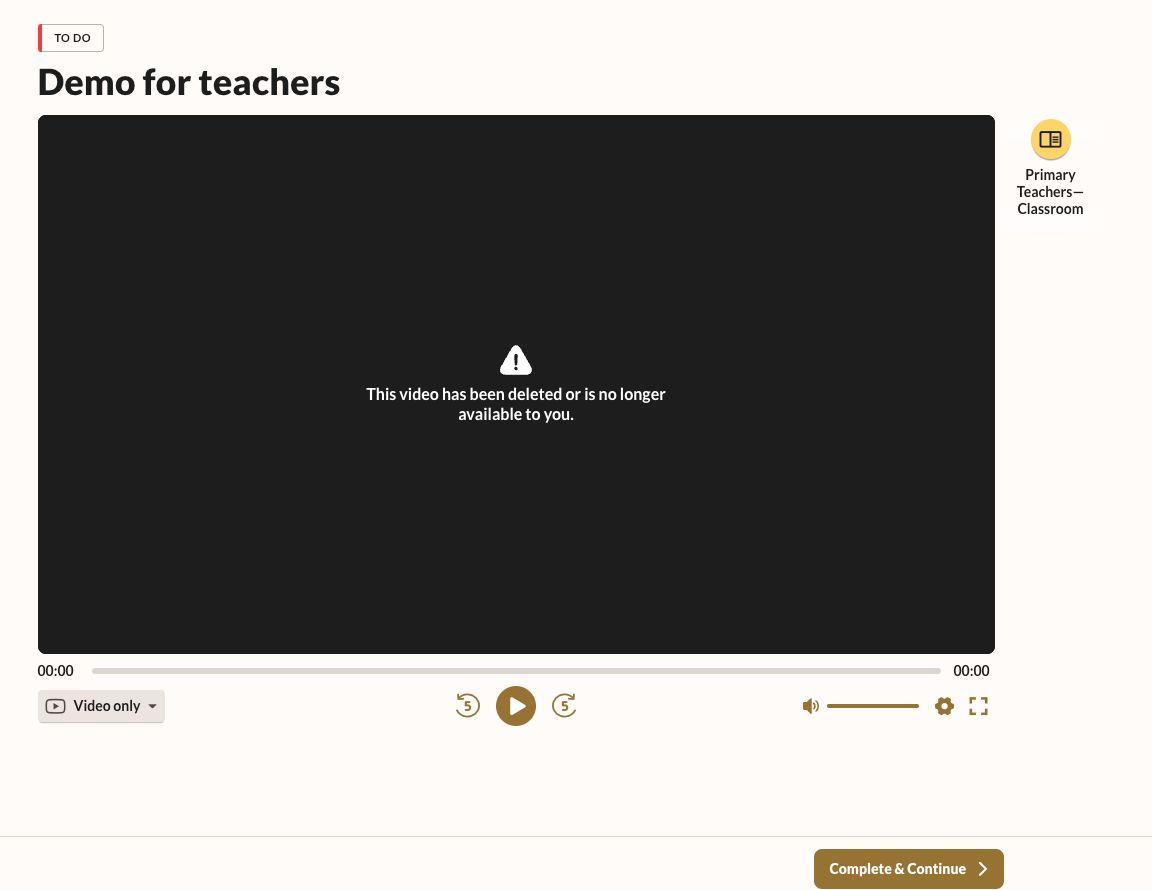
If you are seeing this error message on all videos it is usually a result of the network you are on blocking access to the video streaming service. We use Vimeo to host our videos. You can take the following steps to troubleshoot:
- If you are on a school network verify there are no internal firewall restrictions:
- Check if you are able to access Vimeo videos directly by going to this link.
- If you are not successful:
- Try accessing it from your mobile device using data and not wifi. If this is successful then please reach out to your IT administrator at your school and ask for the following sites to be added to the whitelist:
- .the-ear.com and .vimeo.com
- If you are on a home or public network:
- Check if you are able to access Vimeo videos directly by going to this link.
- If you are not successful then:
- Try accessing it from your mobile device using data and not WiFi. If this is successful then the network you are on may have restrictions in place from the service provider, please log a support call with us so we can troubleshoot further.