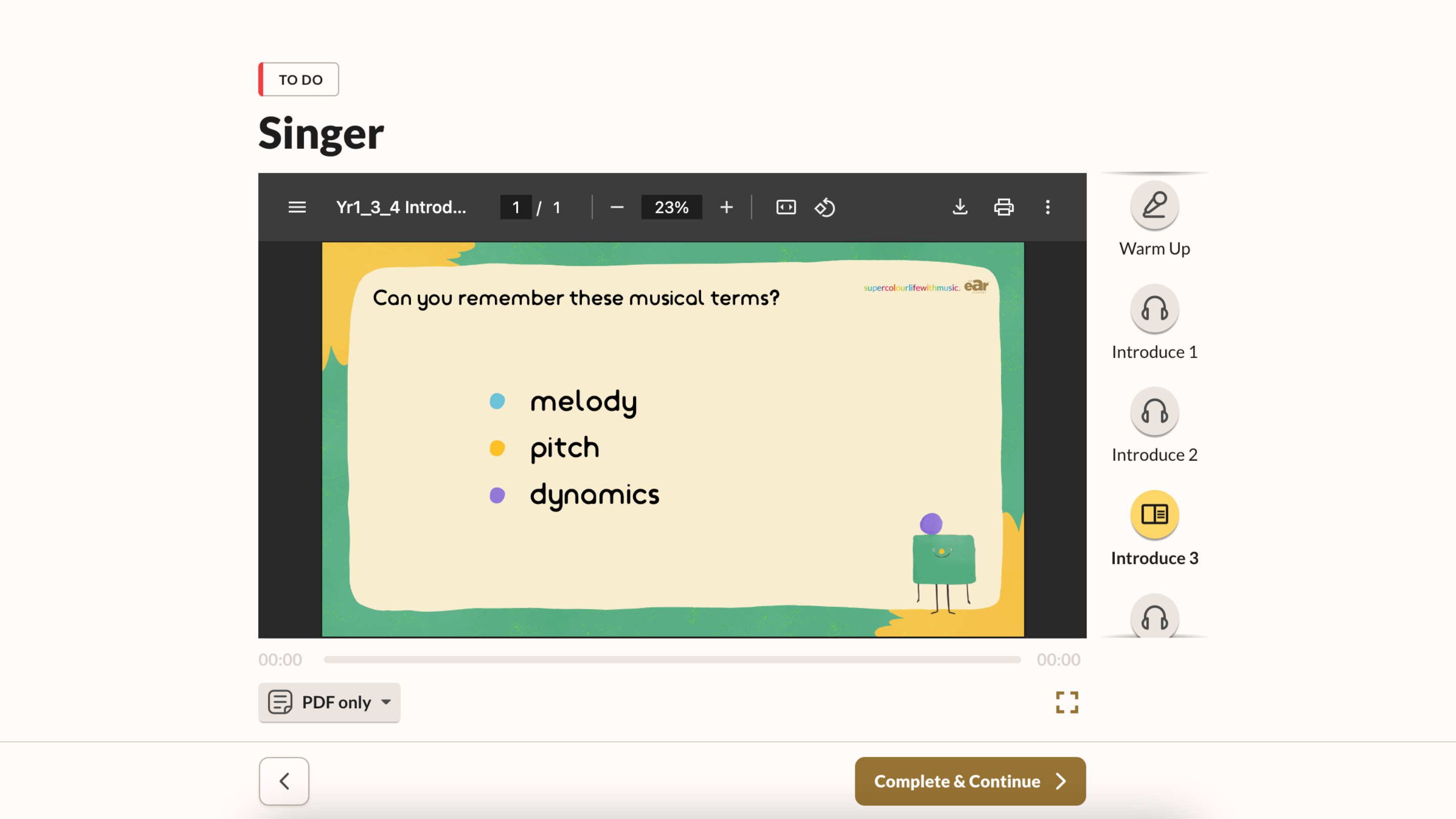
Optimising your lesson slide size
Sometimes your lesson slides might appear incorrectly sized. They may look like this:
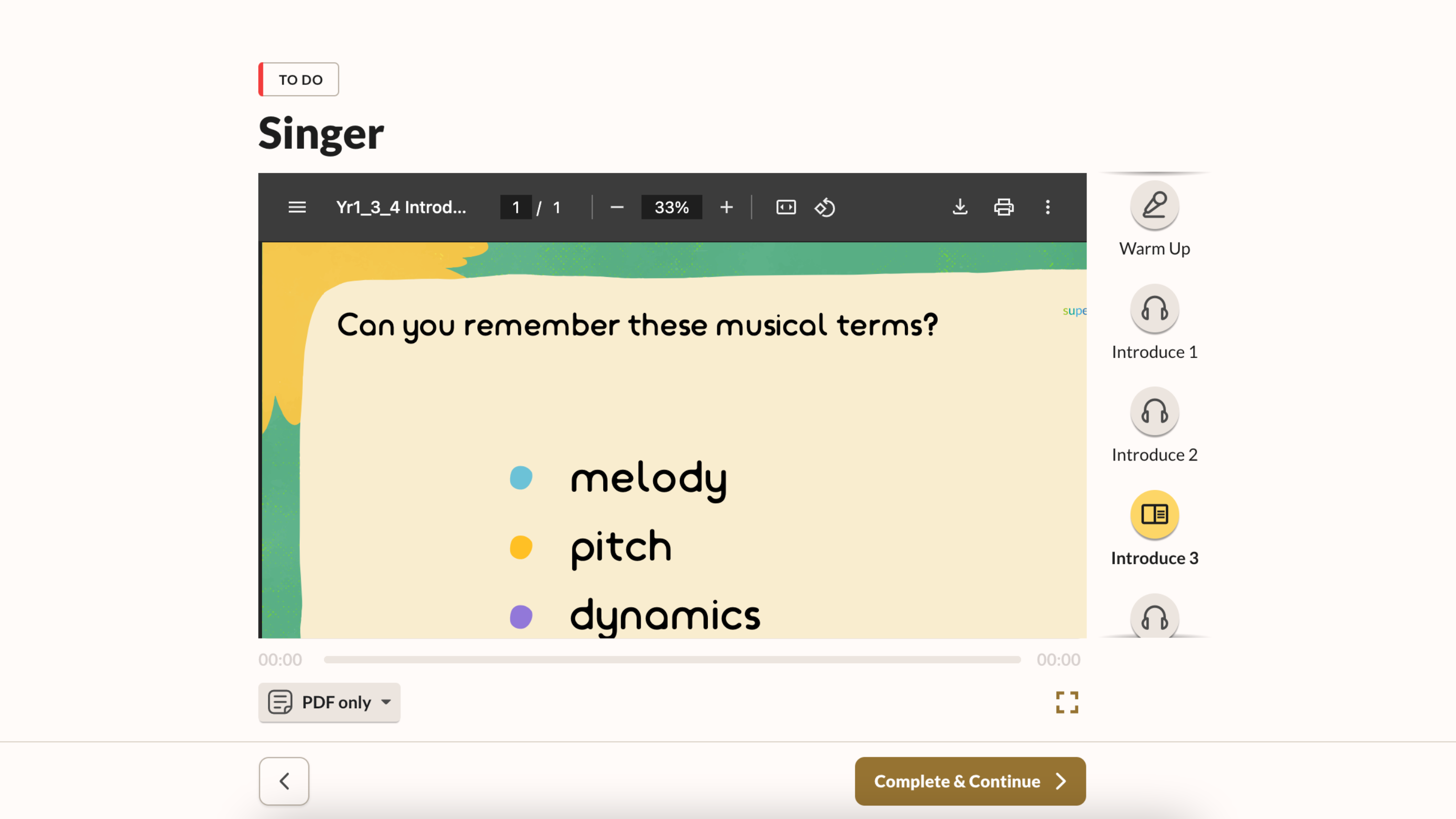
To fix this:
1. Click the 'Fit to page' button at the top of the PDF viewer. It is to the right of the '+ percentage' button.
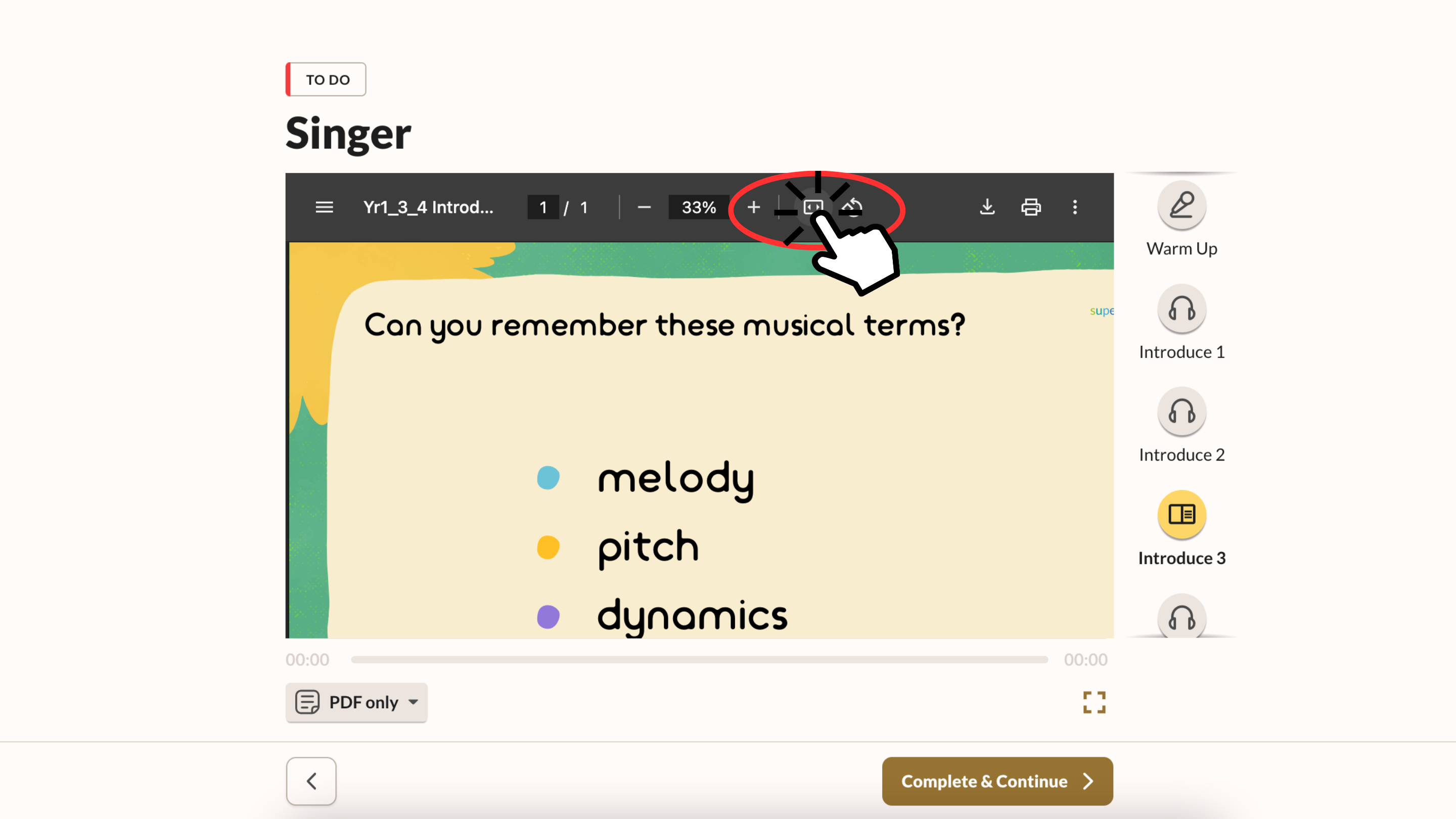
2. Your slides will now be optimised automatically to fit your screen resolution.