
Hiding the PDF sidebar in your browser
In some cases, your browser may use its default PDF viewer, which displays a sidebar that takes up a significant portion of the screen.
To close the sidebar and view the PDF more clearly:
1. Locate the sidebar icon.
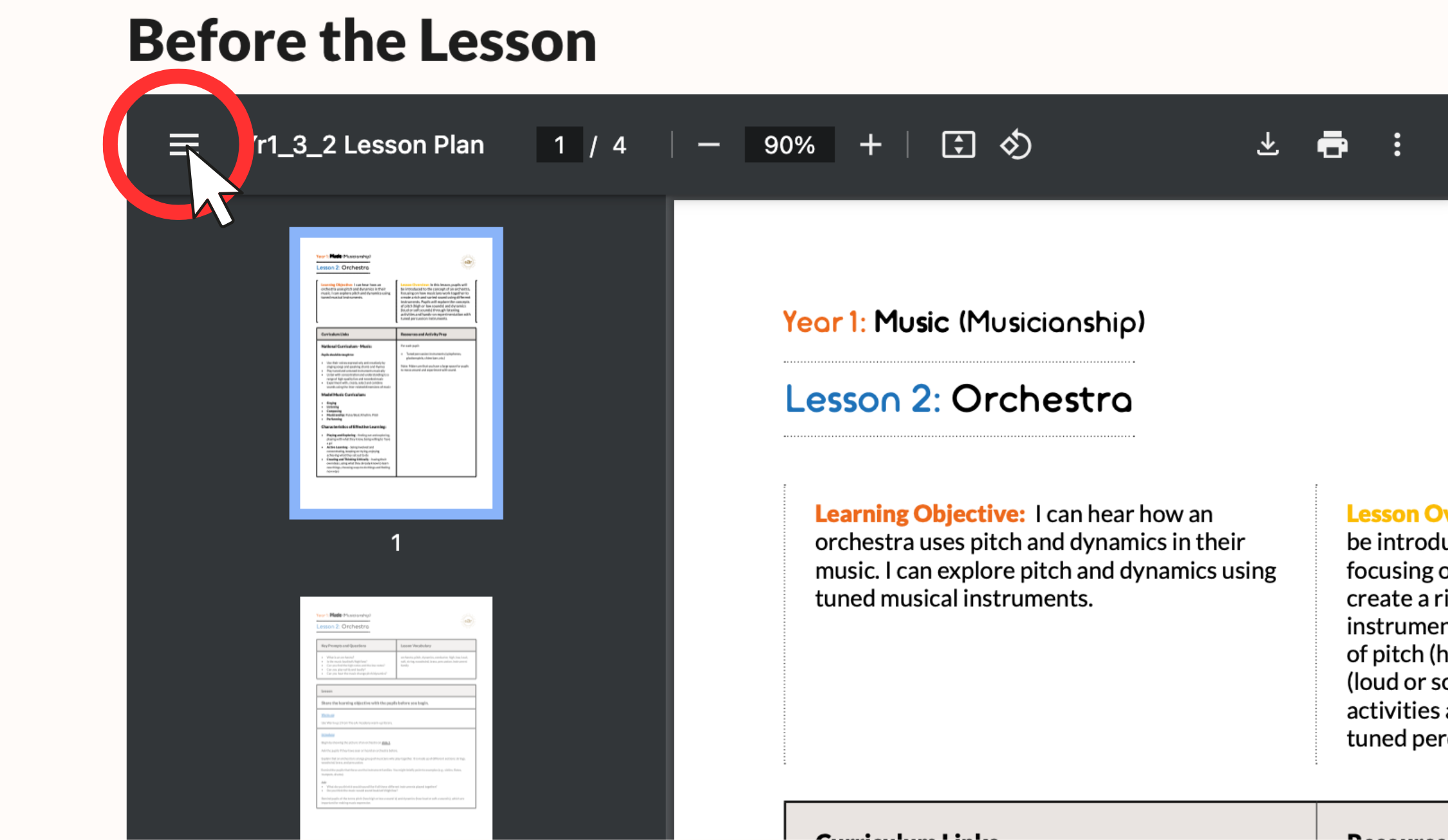
2. Click the icon once — the sidebar will be hidden, allowing for a clearer view of the document.
This should provide a cleaner experience.