
Marking lessons as complete
Each lesson in your course is designed to be taken step by step. Once you've finished a lesson, mark it as complete to unlock the next one.
At the end of each lesson video, click the Complete and Continue button in the bottom-right corner.
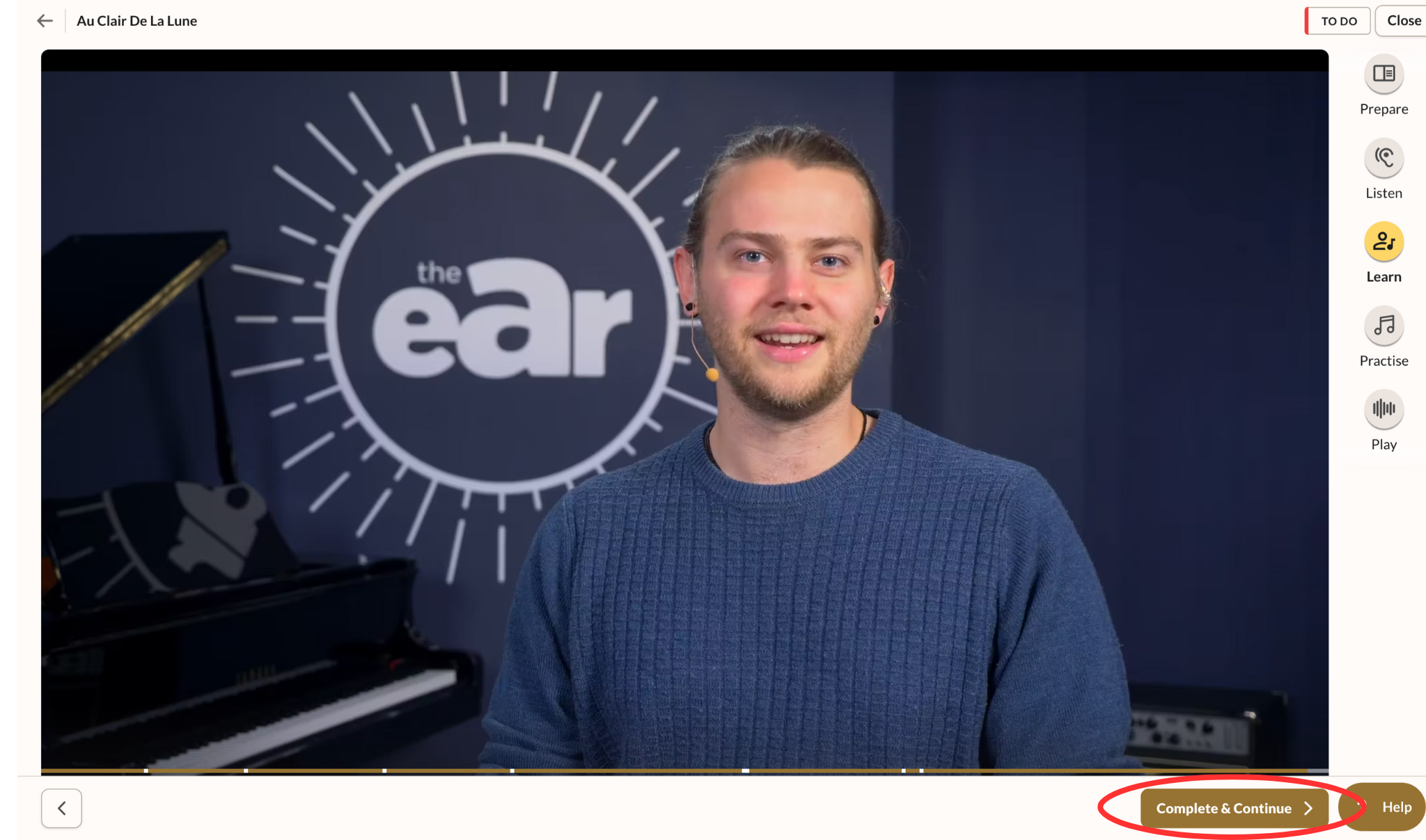
This will automatically take you to the next lesson.
Tip:
If you want to revisit or review a previously completed lesson, you can select it from your course menu on the left.